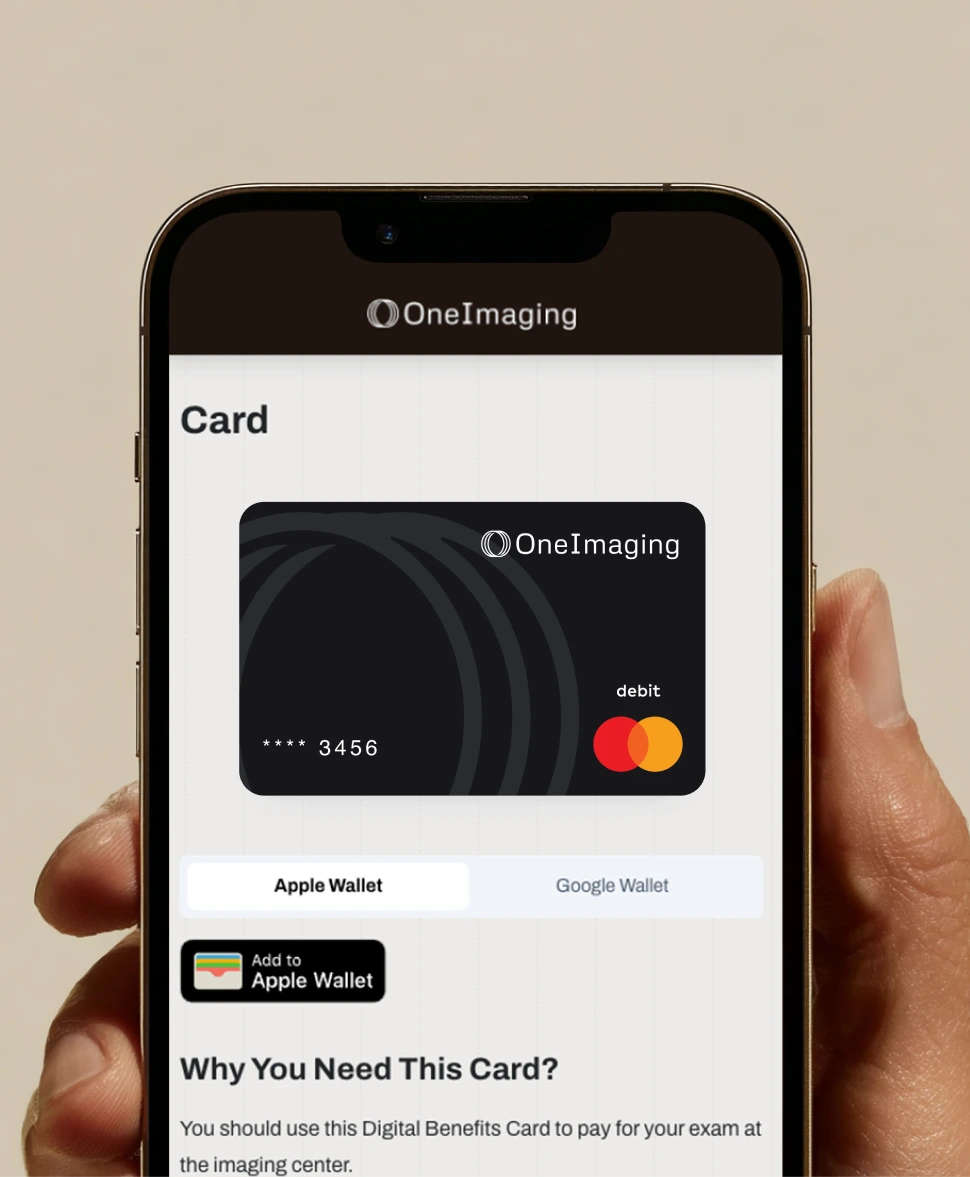
How to Use Your OneImaging Digital Payment Card

Get Started
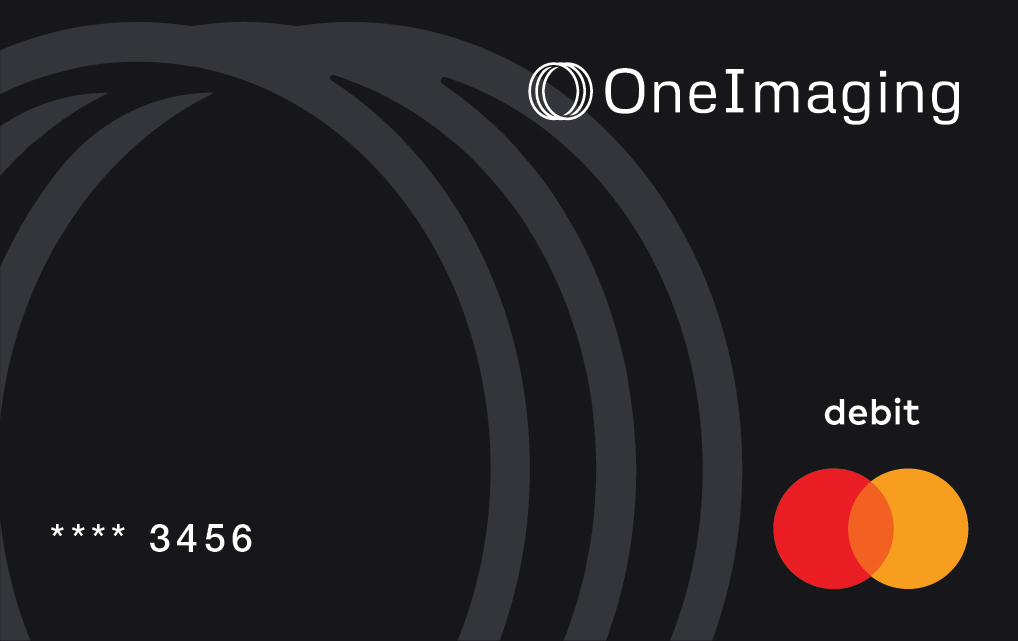
Your OneImaging Digital Payment Card makes paying for your exam quick and easy

Watch this quick video or follow the steps below to know exactly what to do before and during your appointment.

What Is the OneImaging Digital Payment Card?

Think of your OneImaging Digital Payment Card like a prepaid debit card, just for your imaging appointment. It's the way OneImaging pays for the full cost of your exam, allowing us to secure better prices and pass those savings on to you.

Step 1

Submit Your Cost Share

If your imaging exam includes a cost share, this step is required before your appointment.  We’ll send you an email and text message with a secure link to submit your payment.


Submit your cost share:

  • Through your OneImaging account using the payment link, or
  • By calling us at (833) 619-0837


Once your cost share is submitted:

  • Your Digital Payment Card is activated
  • Funds are loaded onto the card for your imaging exam

Step 2

Use Your OneImaging Card at the Imaging Center

When you arrive at the imaging center:

  • Use your OneImaging Digital Payment Card to pay for your visit
  • It's important that all charges for your exam are paid using your OneImaging card, which covers the full cost of the exam

Important:

  • Do not present your insurance card, even if requested
  • Additionally, do not use:
      • Personal credit or debit card
      • Cash

If you have questions or encounter any issues at the imaging center, call us at (833) 619-0837

Where to Find Your Digital Payment Card

When you arrive at the imaging center, use your OneImaging Digital Payment Card to pay for your visit - access your card in your account wallet: oneimaging.com/wallet

From your wallet, you can:

  • Use tap-to-pay (if available at the imaging center)
  • View your card number and expiration date (if tap-to-pay is not available)
Access Digital Payment Card

Quick Tips for a Smooth Check-In

All charges related to your imaging exam should be paid using your OneImaging card

If the imaging center asks for a name and ZIP code to process the OneImaging card:

  • Use your own name
  • Use your home ZIP code


Important: Do not use your insurance, personal credit or debit cards, or cash.

Questions or Need Help?

We’re here to support you every step of the way.
Call us at (833) 619-0837 - our team is happy to help.

Frequently Asked Questions

What is cost share?

Your cost share is the portion of your imaging exam cost that you are responsible for paying based on your health plan.

This may include:

- A copay
- A deductible amount
- Coinsurance

If your exam has a cost share, we’ll send you an email and text message with a secure link to submit your payment, or you can call us for assistance: (833) 619-0837

Why do I pay my cost share to OneImaging instead of the imaging center?

Your cost share is one part of the total cost of your exam. OneImaging collects your cost share, combines it with the remaining balance, and then pays the imaging center in full using your Digital Payment Card. This full, upfront payment helps OneImaging secure lower prices for you and helps you avoid surprise bills after your exam.

Why do I have to pay twice? Is my cost share just being passed through to the imaging center?

You are not paying twice. Your cost share is your portion of the exam cost based on your health plan. That payment is made to OneImaging before your appointment.

OneImaging then combines your cost share with the remaining balance and pays the imaging center the full cost of your exam using the Digital Payment Card.

This is different from traditional insurance billing, where providers bill insurance later and balances can change. With OneImaging, the exam is paid in full at the time of service, which helps secure better pricing and prevents surprise bills.Your cost share is separate from the payment to the imaging center. OneImaging uses your cost share as part of a single, full payment to the provider. 

Why shouldn’t I use my insurance card at the appointment?

When you use OneImaging, the imaging center is paid directly and in full by OneImaging with your Digital Payment Card. Presenting your insurance card can cause billing conflicts and you may receive a surprise bill later that cannot be changed.

That’s why you should not present your insurance card, even if requested.

What if the imaging center has questions about the card?

Let them know your exam is paid through OneImaging using your Digital Payment Card, and that it should be processed like a normal credit or debit card. If needed, call us at (833) 619-0837 and our team will help resolve questions or issues right away.